Nano Banana 2.1
Create images and edit photos when composition, readable text, and reference details matter. Develop a visual with Nano Banana 2.1 before taking it into video.
Start with a prompt or upload a reference image in Gemeni AI. Choose Nano Banana or another image model, then shape the result with your own instructions.
0 / 20000
Create a still image, edit a photo, or turn an idea into a moving scene. Choose the tool that matches your next project.
Turn a description into a new image or use Gemini AI photo editing to rework a picture. Create product scenes, portraits, posters, and social visuals with text and reference images.
Create ImagesBuild a scene from words or animate a still image with Gemini AI. Describe the action, camera movement, and sound, then choose Gemini Omni, Veo, or another video model.
Create VideosExplore different visual styles, compositions, and creative directions. Choose an image to open its details and find inspiration for your next creation.
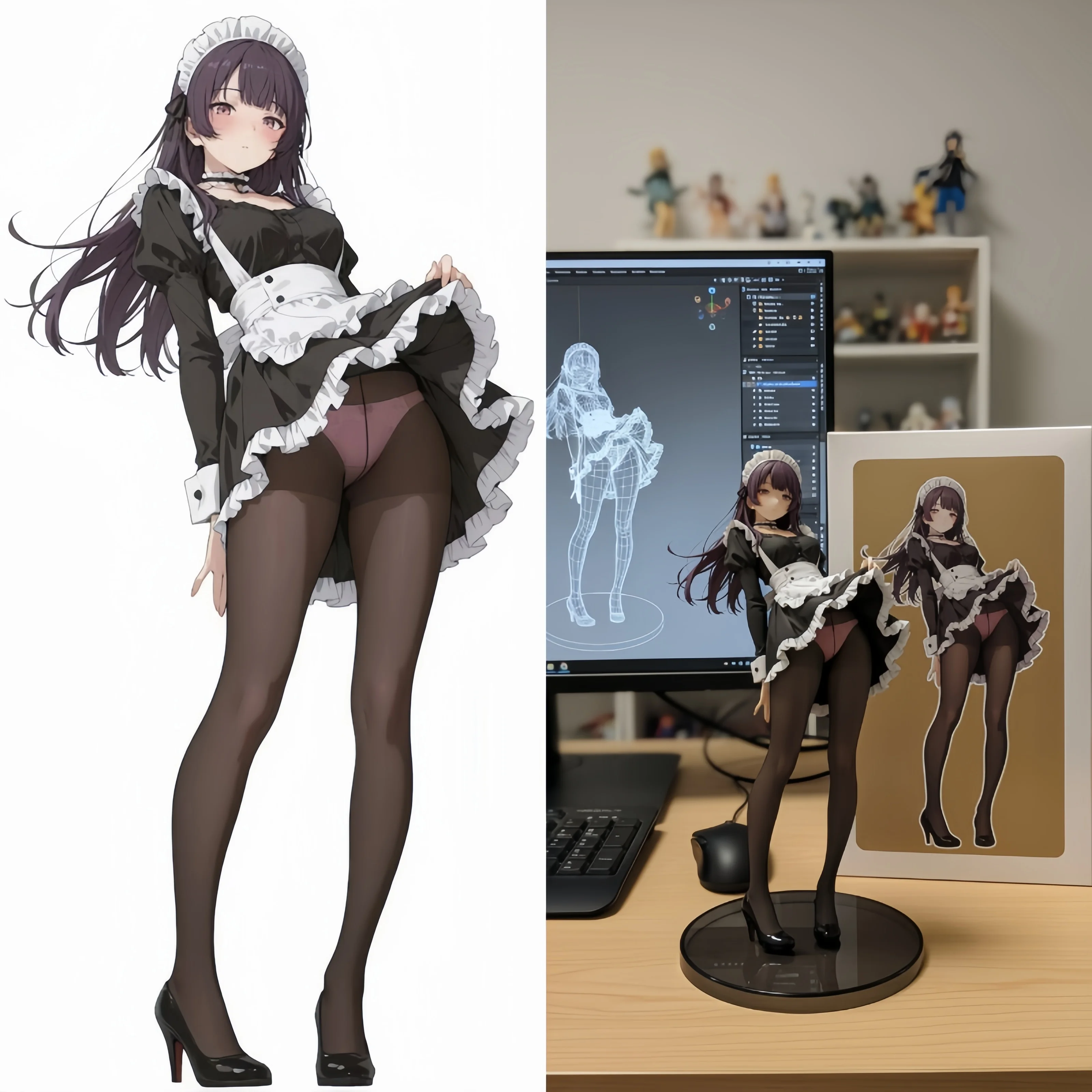
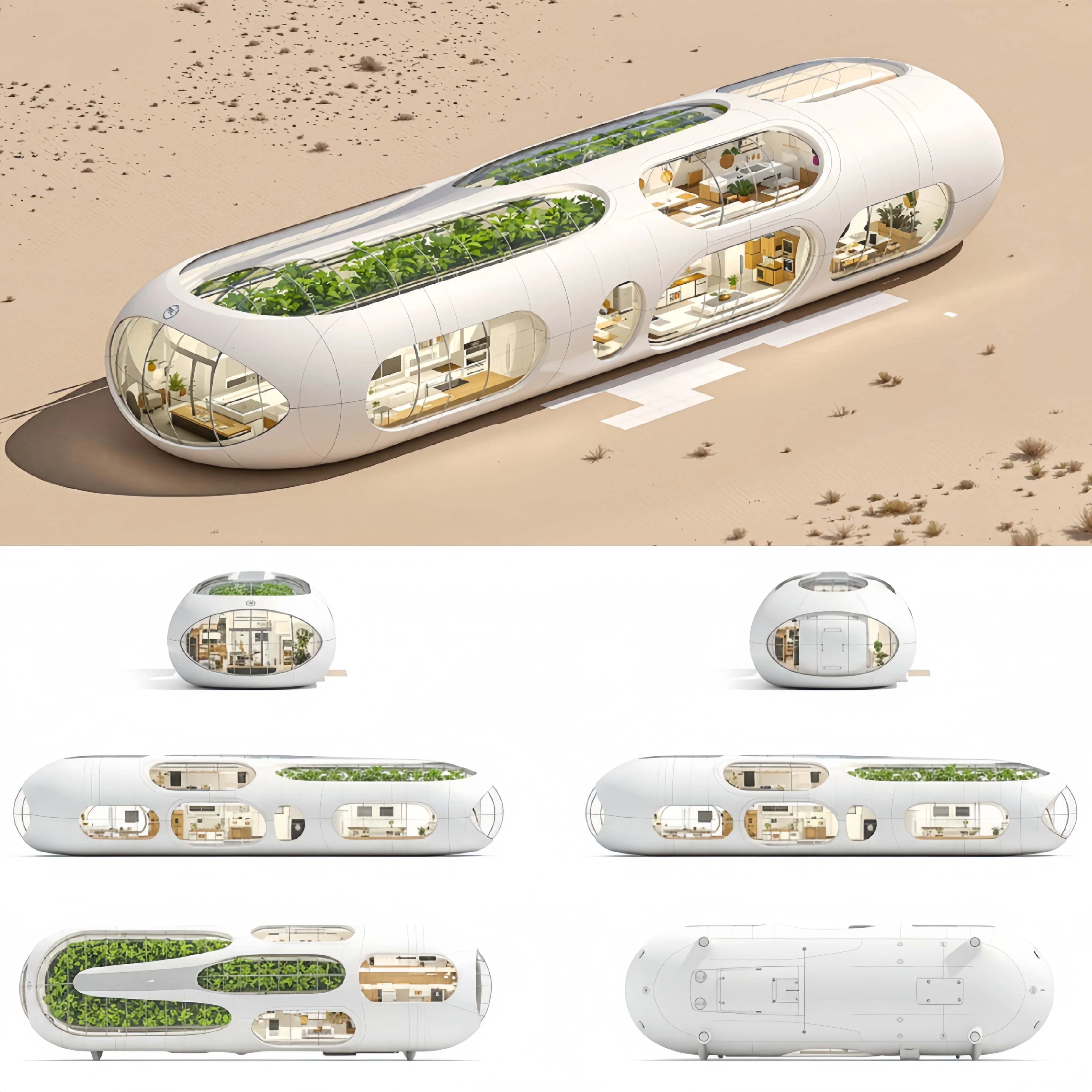
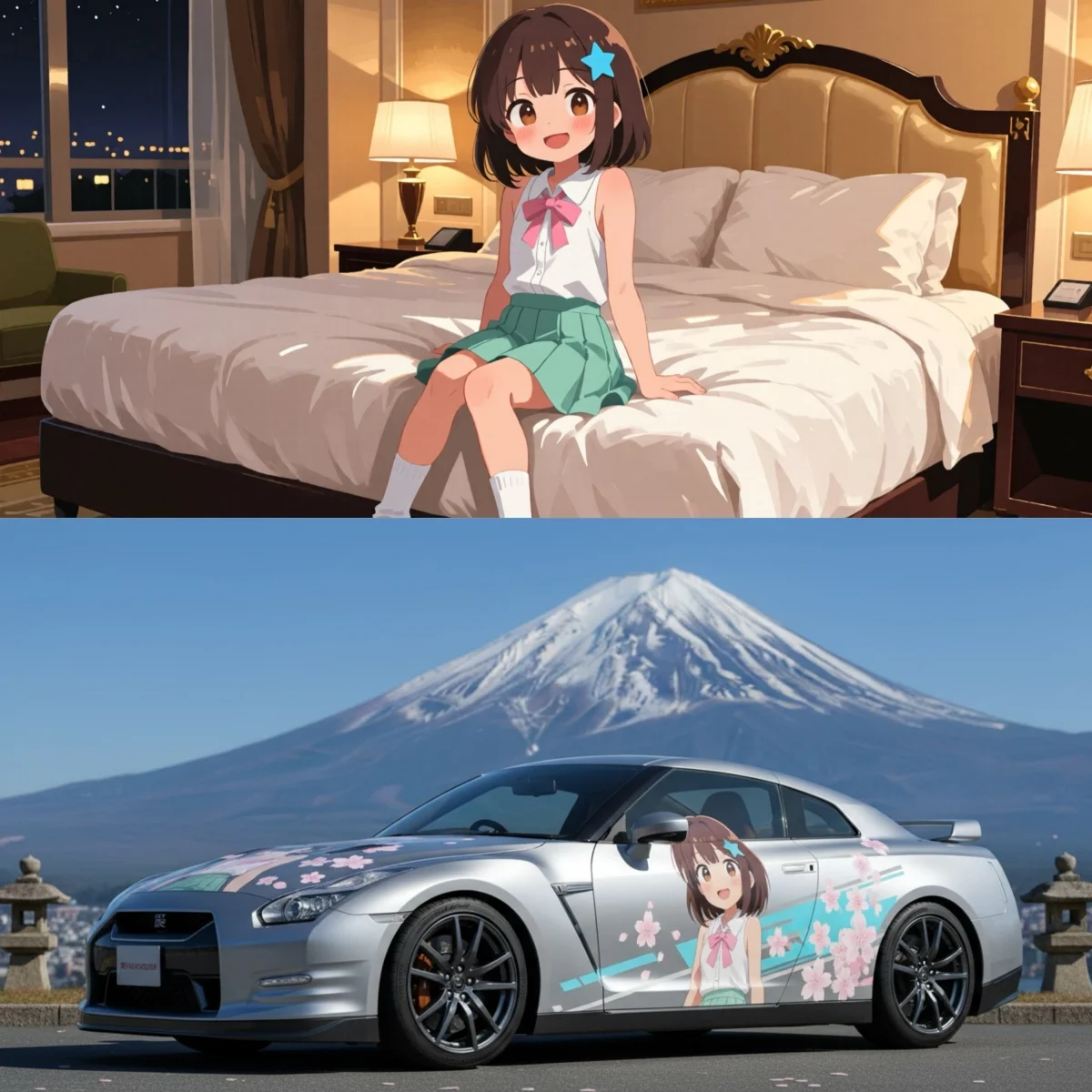
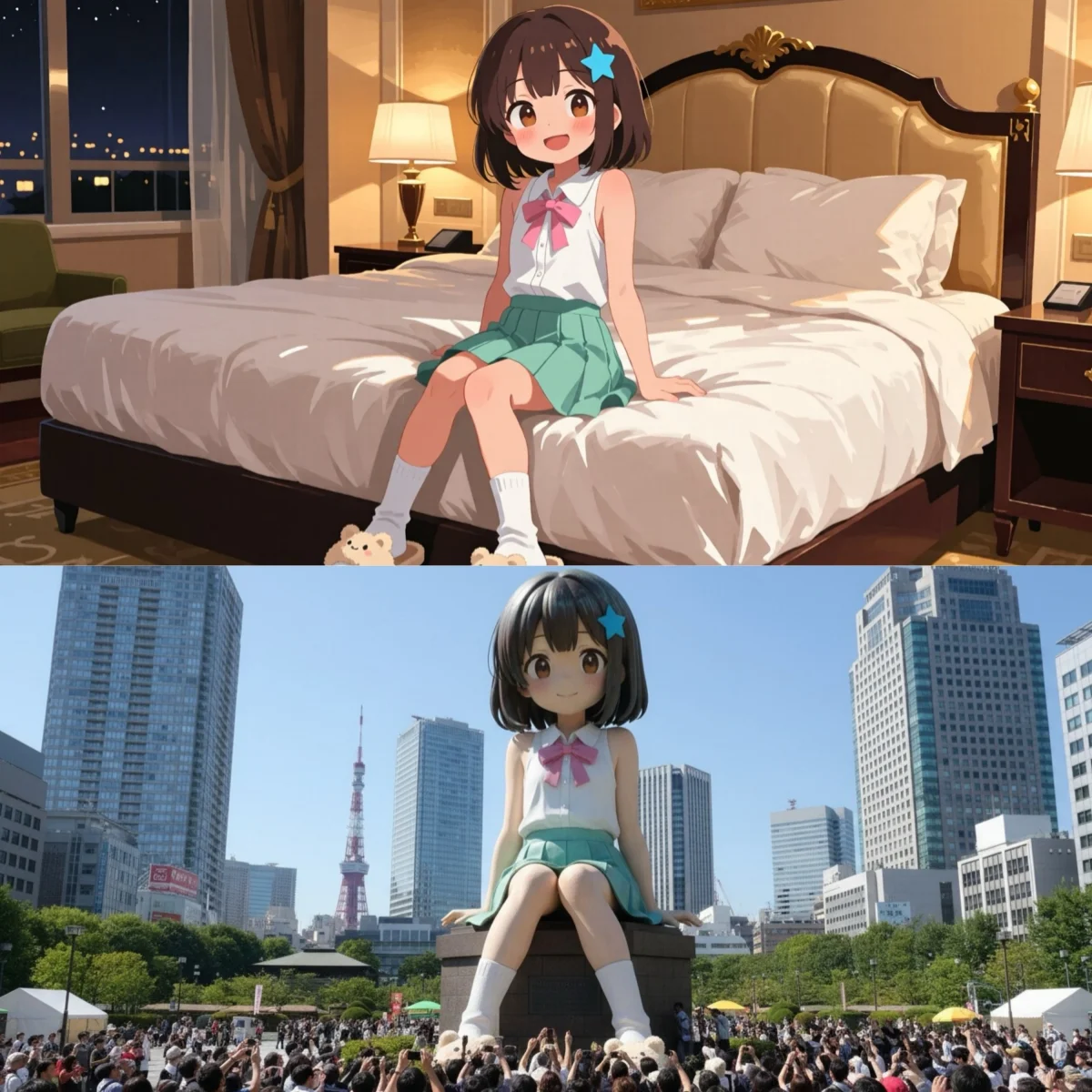
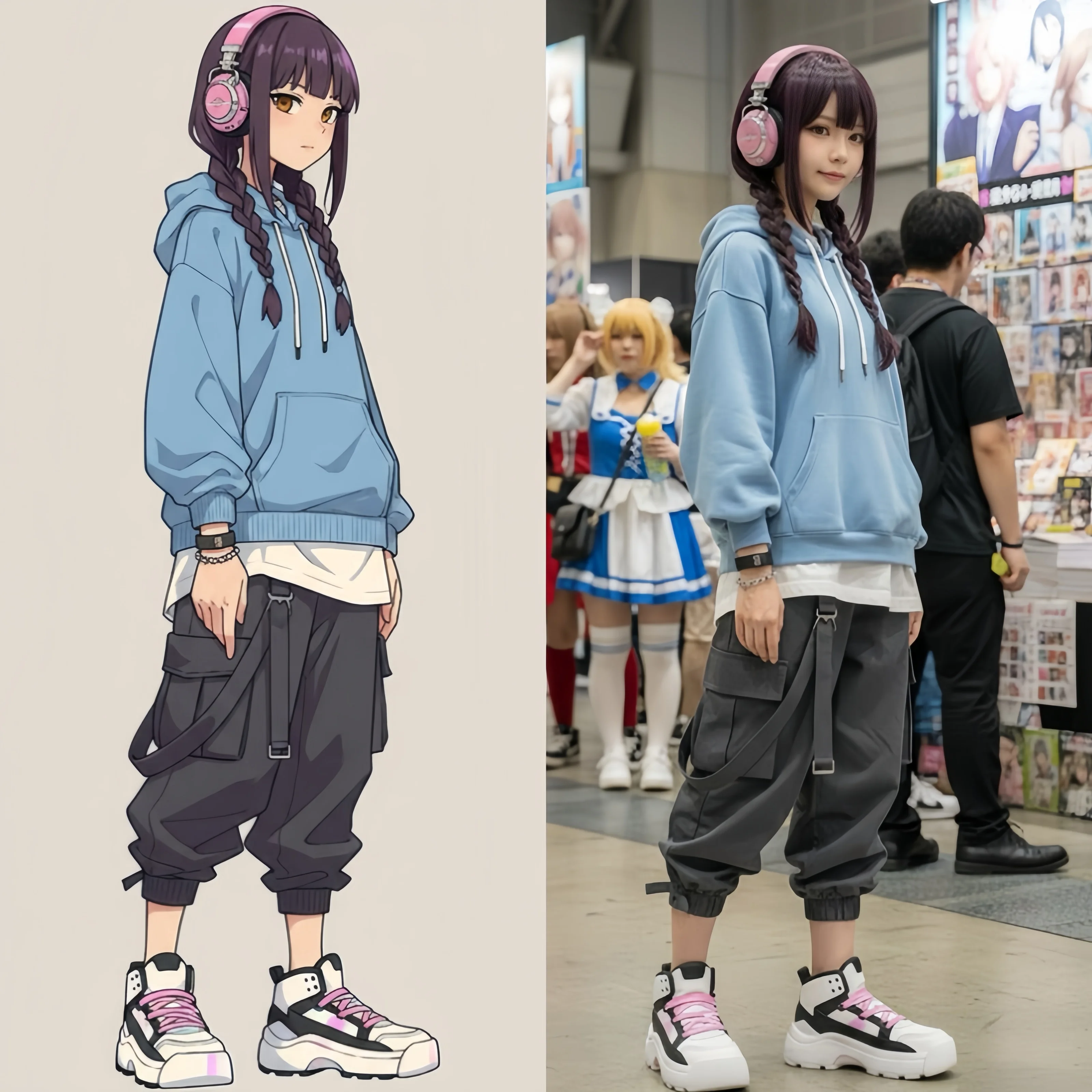
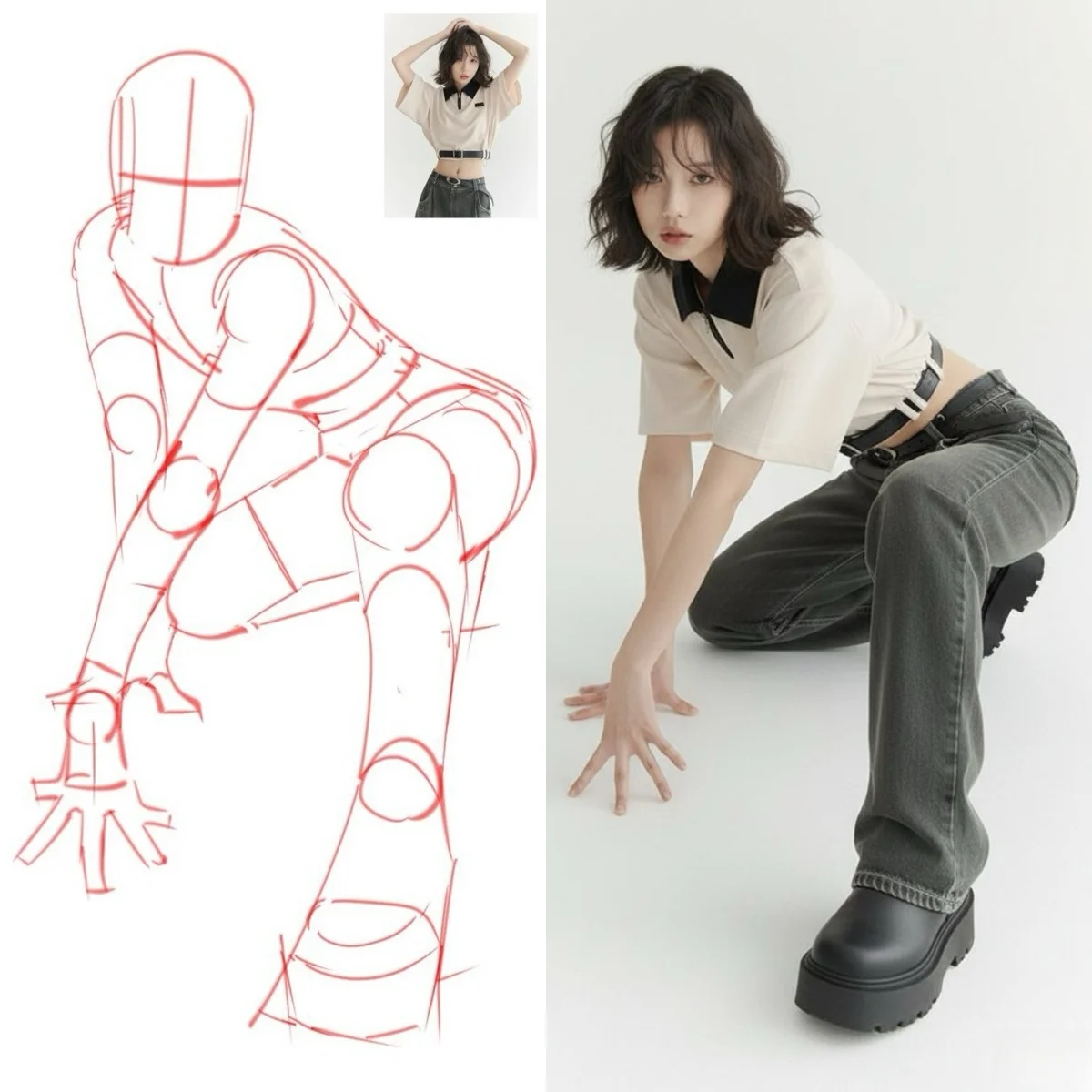
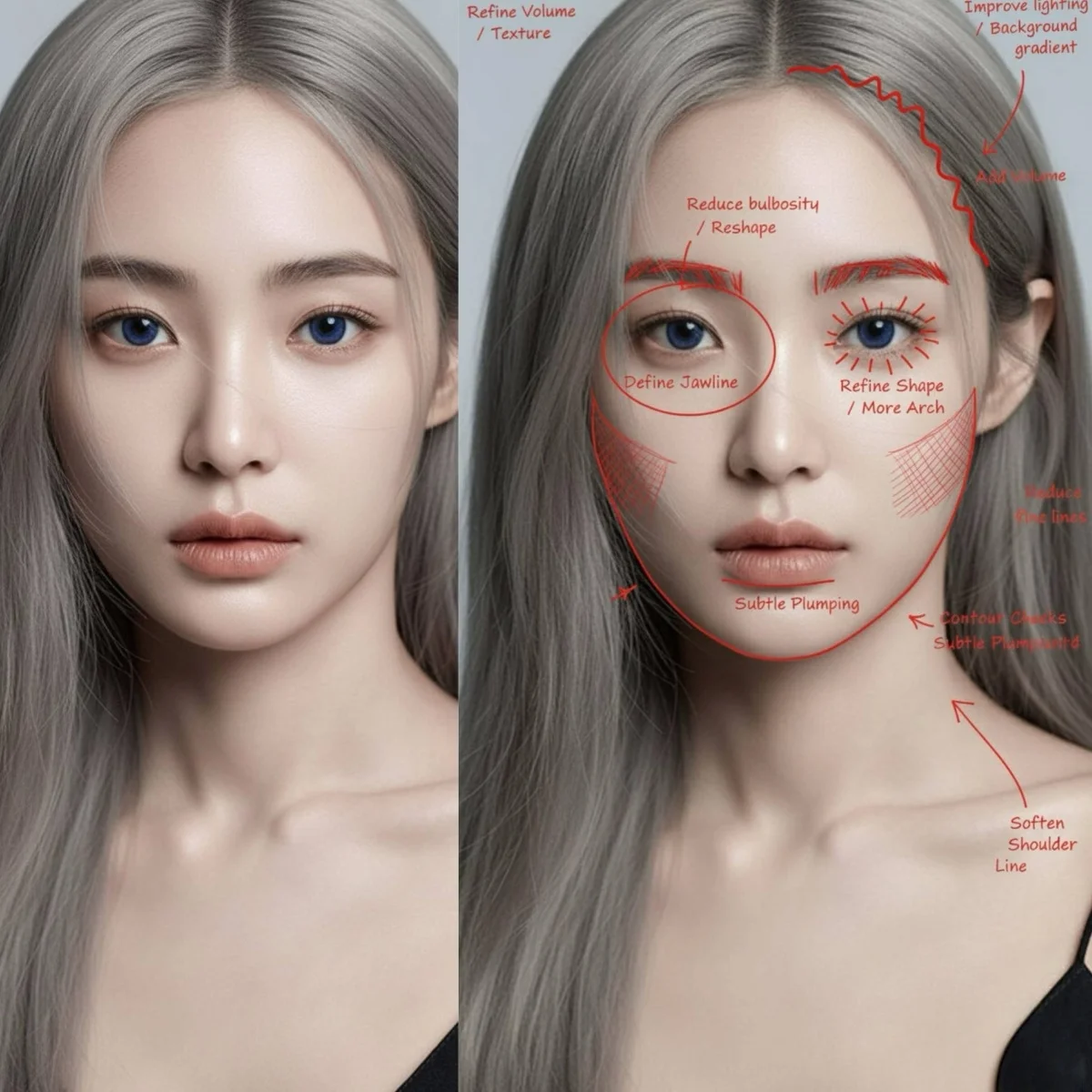
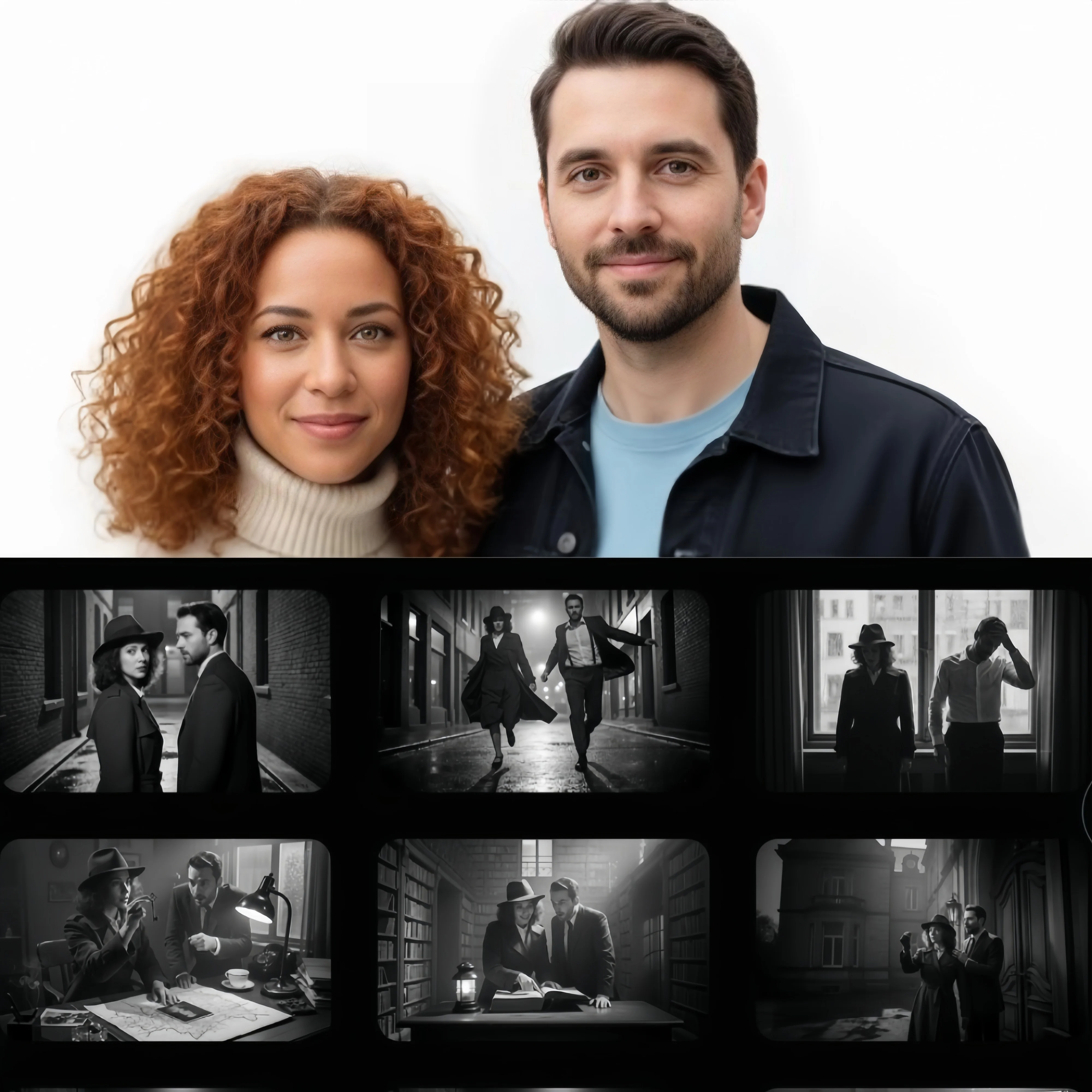
On Gemeni, start with Nano Banana for images, or explore Gemini Omni and Veo for video. Choose based on your starting material and the result you want to create.
Create images and edit photos when composition, readable text, and reference details matter. Develop a visual with Nano Banana 2.1 before taking it into video.
Generate video with native audio from text, image references, or a reference clip. Set the first and last frames to give your scene a clear beginning and ending.
Explore Veo 3.1 in Lite, Fast, or Quality mode. Turn a scene description or starting image into a video with camera movement and native audio.
Start with a description, a photo, or a video clip, then tell Gemini AI what you want to create or change.
Use Gemini AI to turn text into images or video. Describe the subject, setting, and style, then add action or camera movement for a scene.
Use Gemini AI photo editing to change a background, color, or composition. Explain which parts of the original image should stay and which should change.
Guide Gemini AI with references for a subject, product, and visual style. Give each image a clear role so the result follows the direction you intend.
Bring a reference clip into Gemini Omni to guide a new video. Describe the action, atmosphere, and visual details you want to carry into the new scene.
Create a product scene with Nano Banana, then use it as the opening frame for a Gemini Omni video. Add camera motion, action, and sound to turn the still into a moving shot.
Establish your subject, composition, and style in the image generator. Refine the details you want to keep before moving into video.
Upload the image to the video generator as a starting frame. Tell Gemini AI how the subject should move, where the camera should go, and what sounds belong in the scene.
Review the result, then adjust the image, motion, or prompt for your next version. Keep the visual direction that works and develop it into another shot.
Find the right starting point for images, photos, and videos on Gemeni.
Gemeni is a creative workspace for using Gemini AI and other image and video models. It brings generation, photo editing, and model selection into one place, with dedicated tools for images and videos.
Yes. Use Nano Banana to create images and edit photos, and choose Gemini Omni or Veo to generate video. Start from text to build a scene, or use an image to establish its visual direction.
Upload a photo to guide an image edit or create a new variation. Describe the details you want to change, such as the background, colors, or composition. You can also use an image as the starting frame for a video.
Yes. Gemeni also includes image models such as GPT Image and Seedream, and video models such as Kling. Choose a model in the image or video tool to explore different interpretations of your idea.
Create an image, then upload it to the video generator. Describe the subject's movement, the camera motion, and how you want the scene to develop. Using the image as your starting frame gives the video a visual direction from the first moment.
Describe the subject, setting, style, and composition. For a photo edit, explain what to change and what to keep. For a video, add the action, camera movement, and sound you want. Use a reference image when you have a specific visual direction in mind.
Make a new image, transform a photo, or create a video. Choose where your idea begins and start creating with Gemeni.